


Documentation
How to edit preloader
1. Double click on the pre-loader component from the left navigator panel. Follow below pic :
.webp)
2. Select the div "Main Logo" to modify the main logo. Follow below pic :
.webp)
3. Select the div "Logo Bottom Text" to modify the bottom text. Follow below pic :
.webp)
4. Choose the Gradient bars’ to modify the circle in Gradient Circle div. Follow below pic :
.webp)
5. Modify the Pre-loader from the right panel. Follow below pic :
.webp)
6. Modify the Gradient bar rotations from the right panel. Follow below pic :
.webp)
7. Modify the Main logo letters animations from the right panel. Follow below pic :
.webp)
8. Modify the bottom text animations from the right panel. Follow below pic :
.webp)
How to edit animations
Check the following videos :
1. To edit gradient circle :

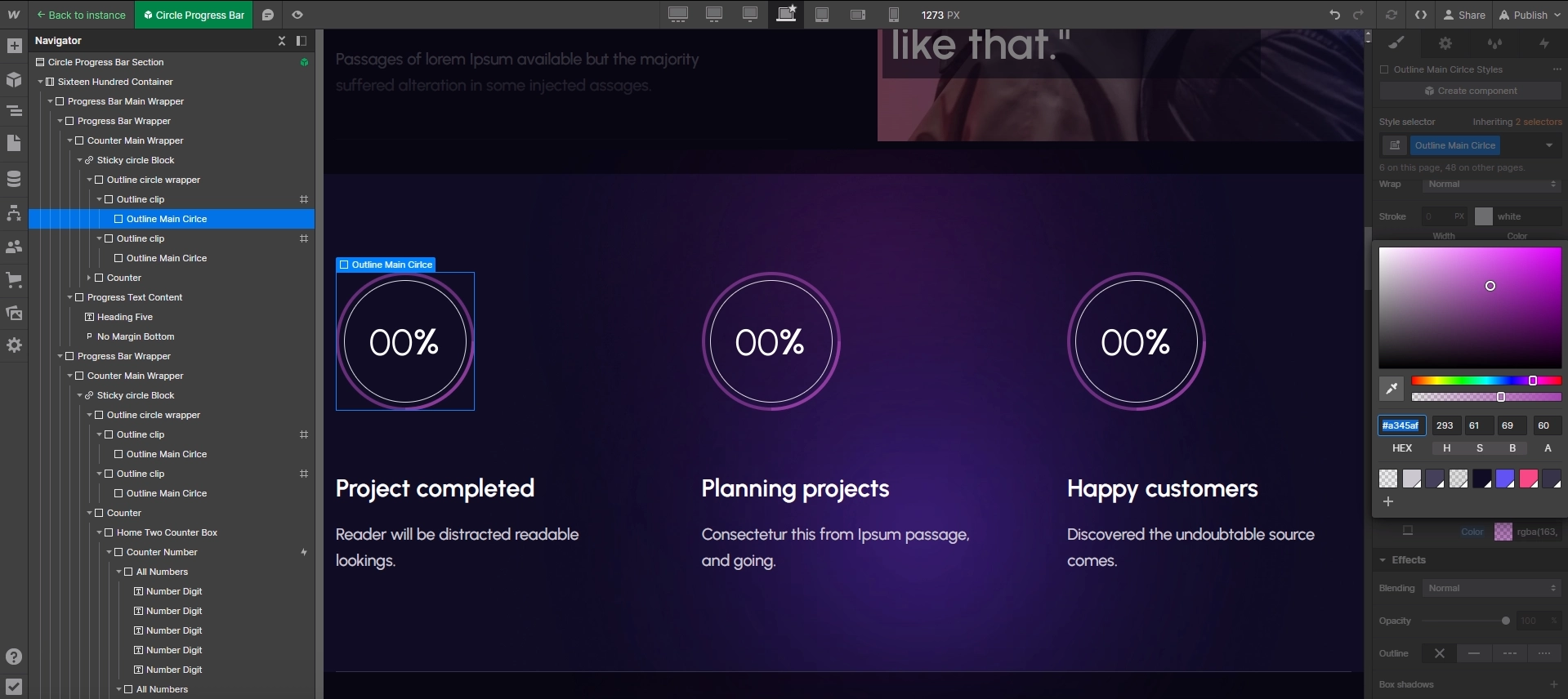
2. To edit counter numbers :

3. To edit why choose us tab items:

4. To edit pricing plan block:
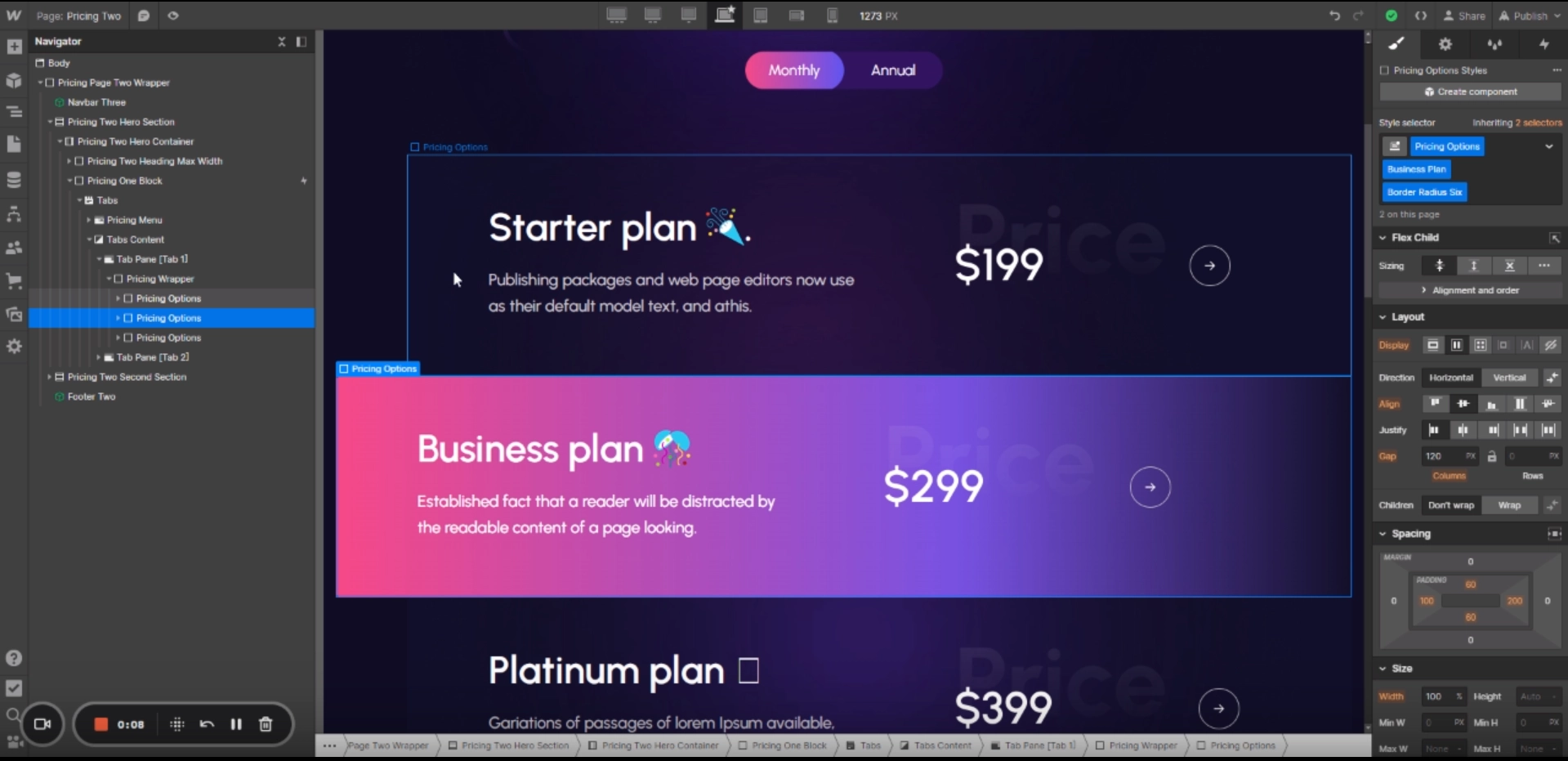
5. To edit marquee Section :
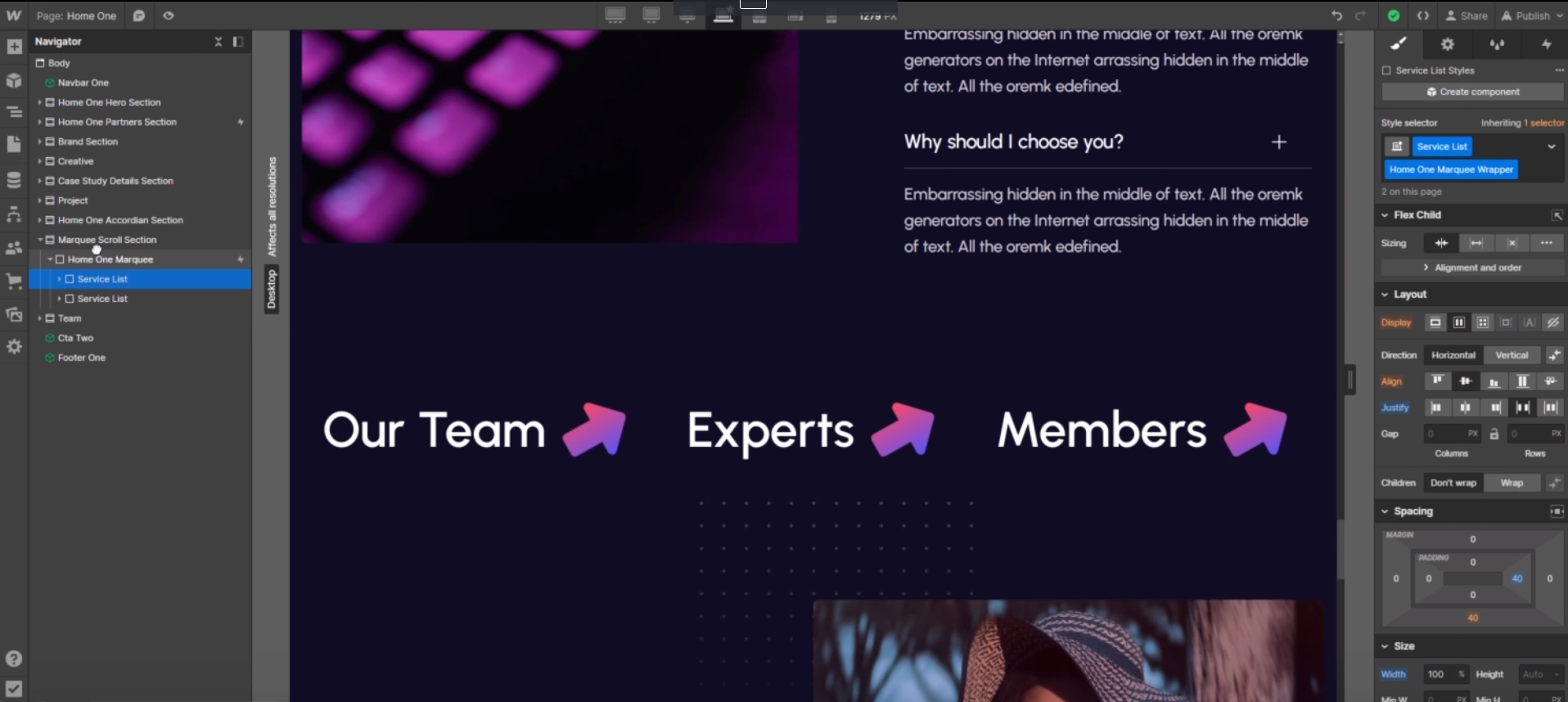
6. To edit home three banner tab :
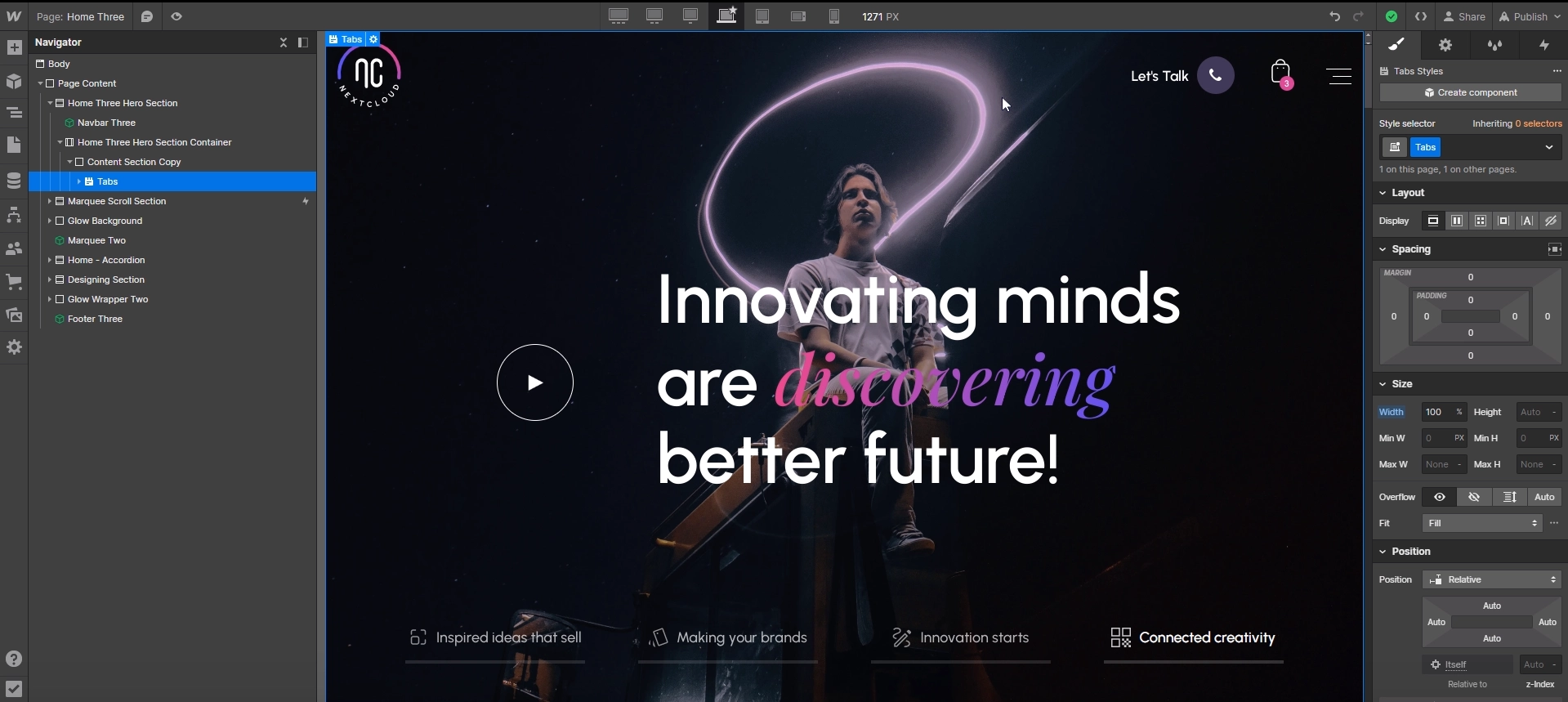
Have Questions? Get In Touch!


.svg)


